
Replication Policy Configuration
1.1 Add Copy
Prerequisites
- Create a new service plan
- Create a new storage repository
Steps
Step 1 Click Policy - Service Plan, then click the service plan name to enter the service plan details.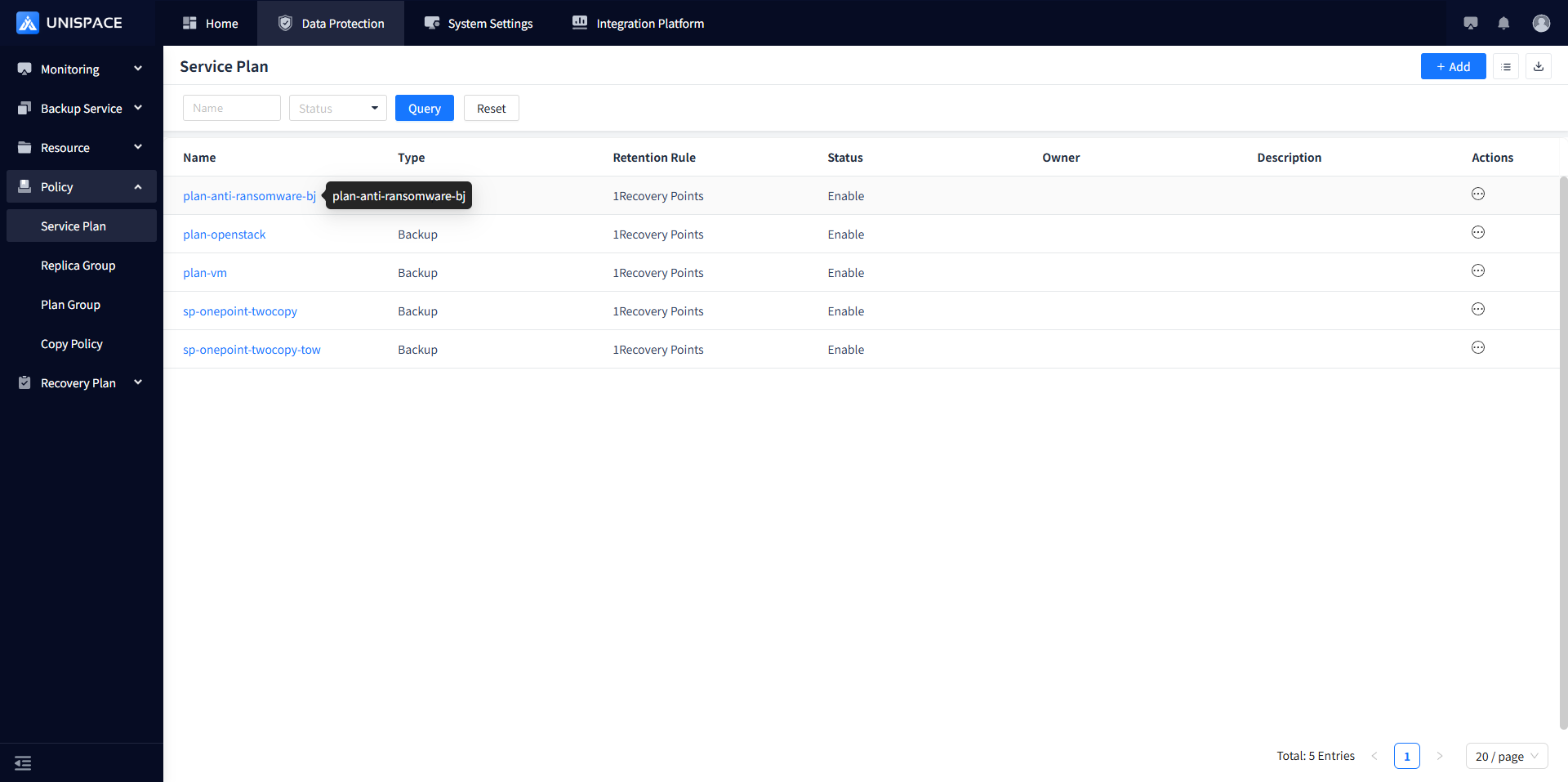
Step 2 Click Add in the upper right corner of Copy. A pop-up window will appear as shown: 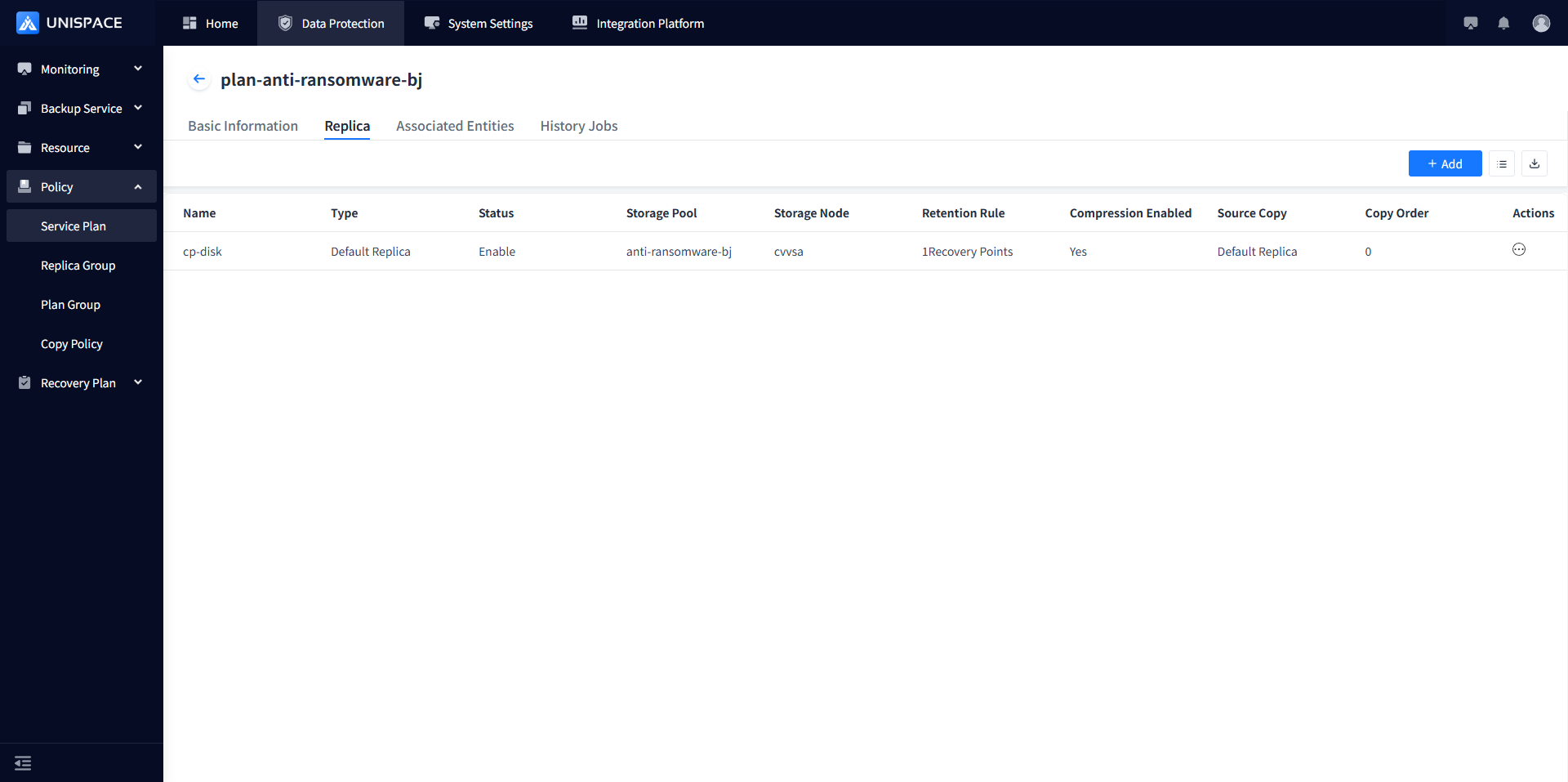
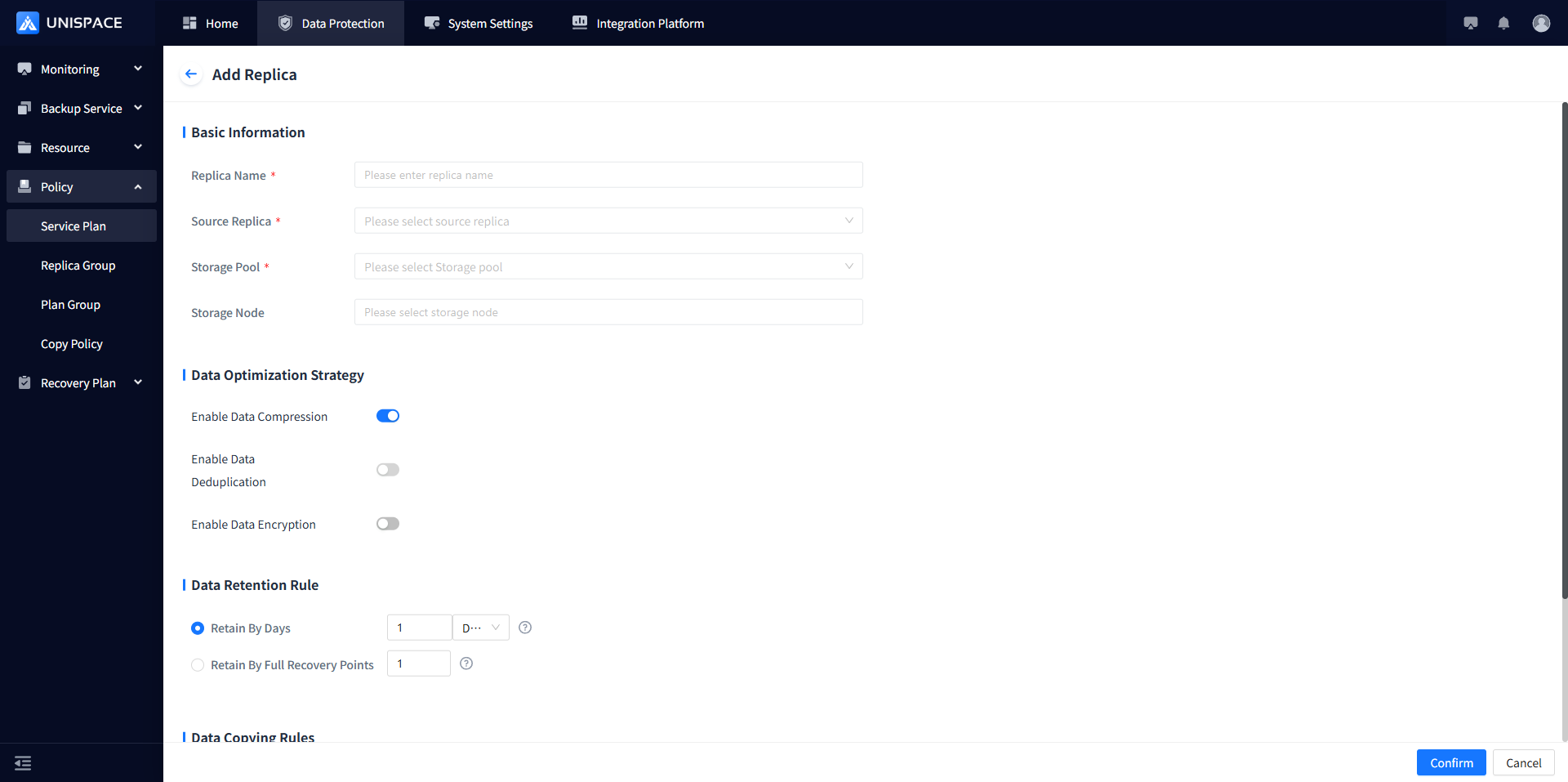
Step 3 Fill in the necessary parameters as shown in the table below:
| Parameter Name | Description | Setting Principle |
|---|---|---|
| Replica Name | Text input box, required, user-defined | The name should not exceed 50 characters |
| Source Replica | Default copy of the service plan source | Dropdown list, single selection |
| Storage Pool | Select the storage repository for the new copy | Dropdown list, single selection, shows all created storage repositories |
| Storage Node | Corresponding to the selected storage repository | Choose the storage node that corresponds to the selected storage repository |
| Data Optimization Strategy | Data compression is enabled by default | Includes data compression, deduplication, and encryption |
| Data Retention Policy | Jobs that exceed the retention period or recovery point limit will be automatically deleted | Retain by days or by recovery points |
Step 4 Fill in the necessary parameters and click OK in the bottom right corner. The copy will be added successfully.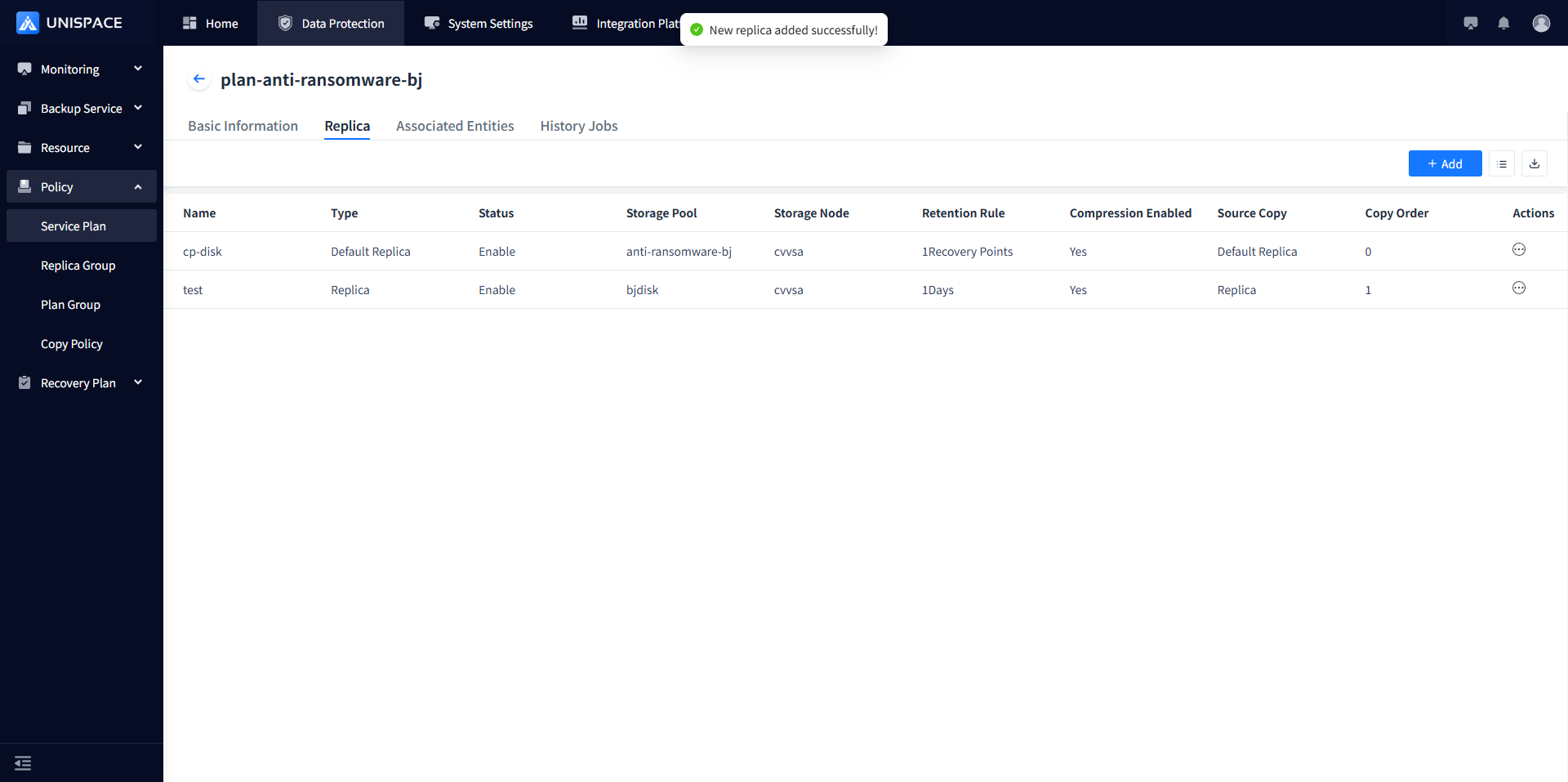
1.2 Add Copy Policy
Prerequisites
- Successfully added a new copy
Steps
Step 1 Click Policy - Copy Policy, then click Add in the upper right corner. A pop-up window will appear as shown: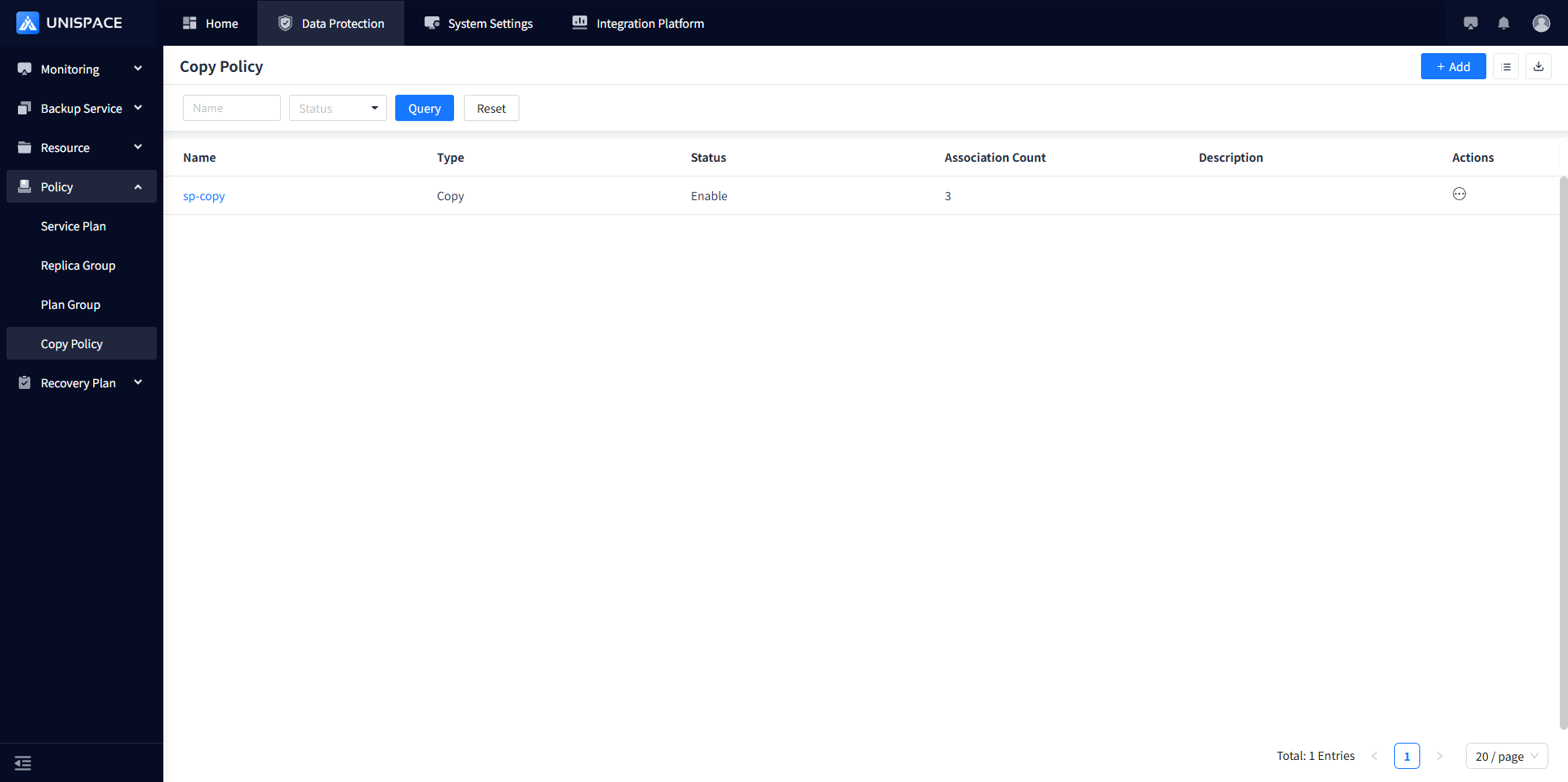
Step 2 Fill in the necessary parameters and click OK in the bottom right corner to complete adding the replication policy.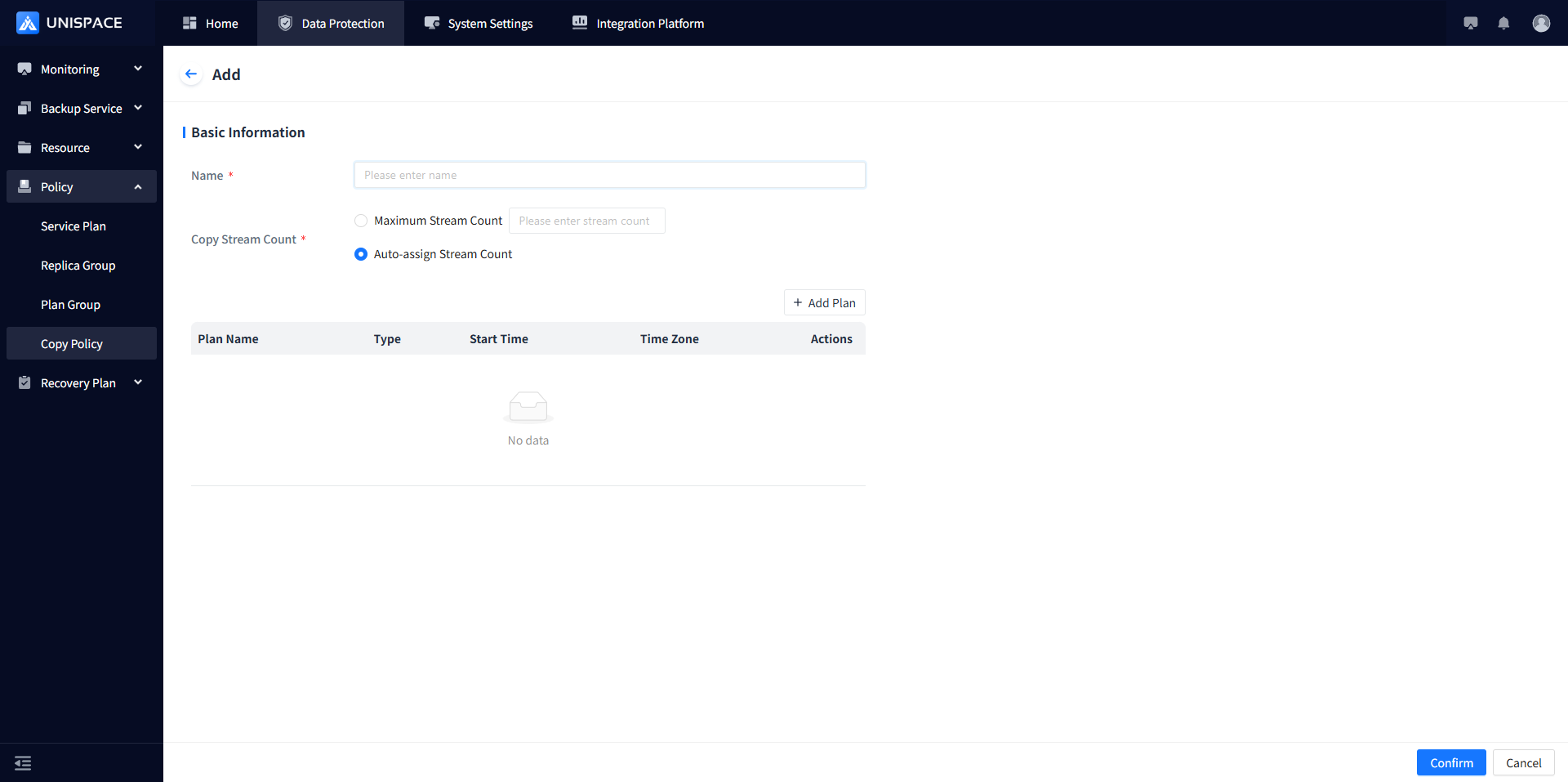
Step 3 Refer to the table below for parameter explanations:
| Parameter Name | Description | Setting Principle |
|---|---|---|
| Name | Text input box, required, user-defined | The name should not exceed 50 characters |
| Copy Stream Count | Number of streams for copy jobs, user-defined | Custom maximum stream number or automatic allocation |
| Add Plan | Configure a periodic schedule for executing copy jobs | One-time or periodic, configured to trigger at start time |
1.3 Associate Replication Policy
Prerequisites
- Successfully added a new copy
- Successfully added a replication policy
Steps
Step 1 Click Policy - Service Plan, then click the service plan name to enter the service plan details.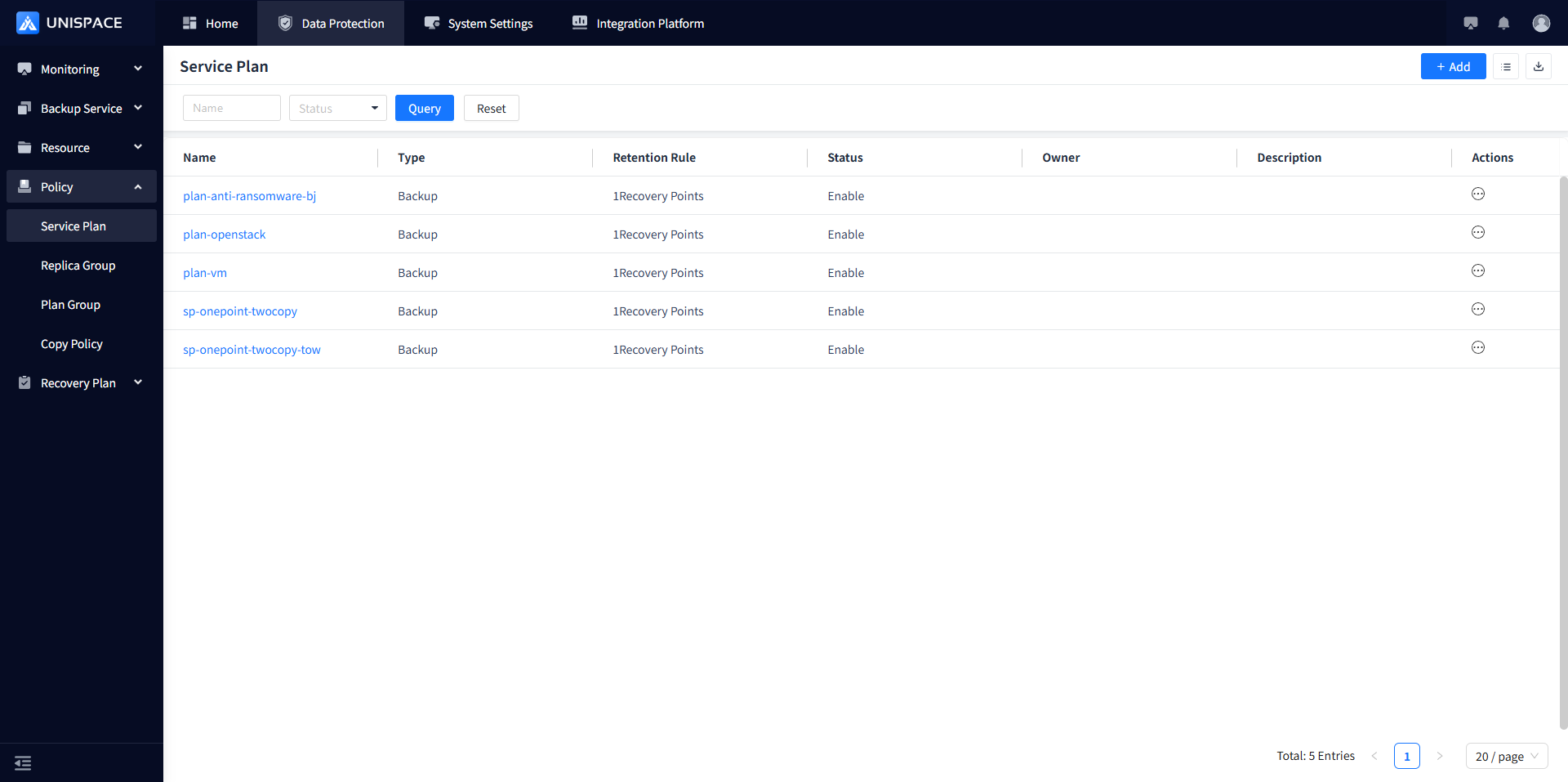
Step 2 Click Copy, then click Actions - Associate Copy Policy.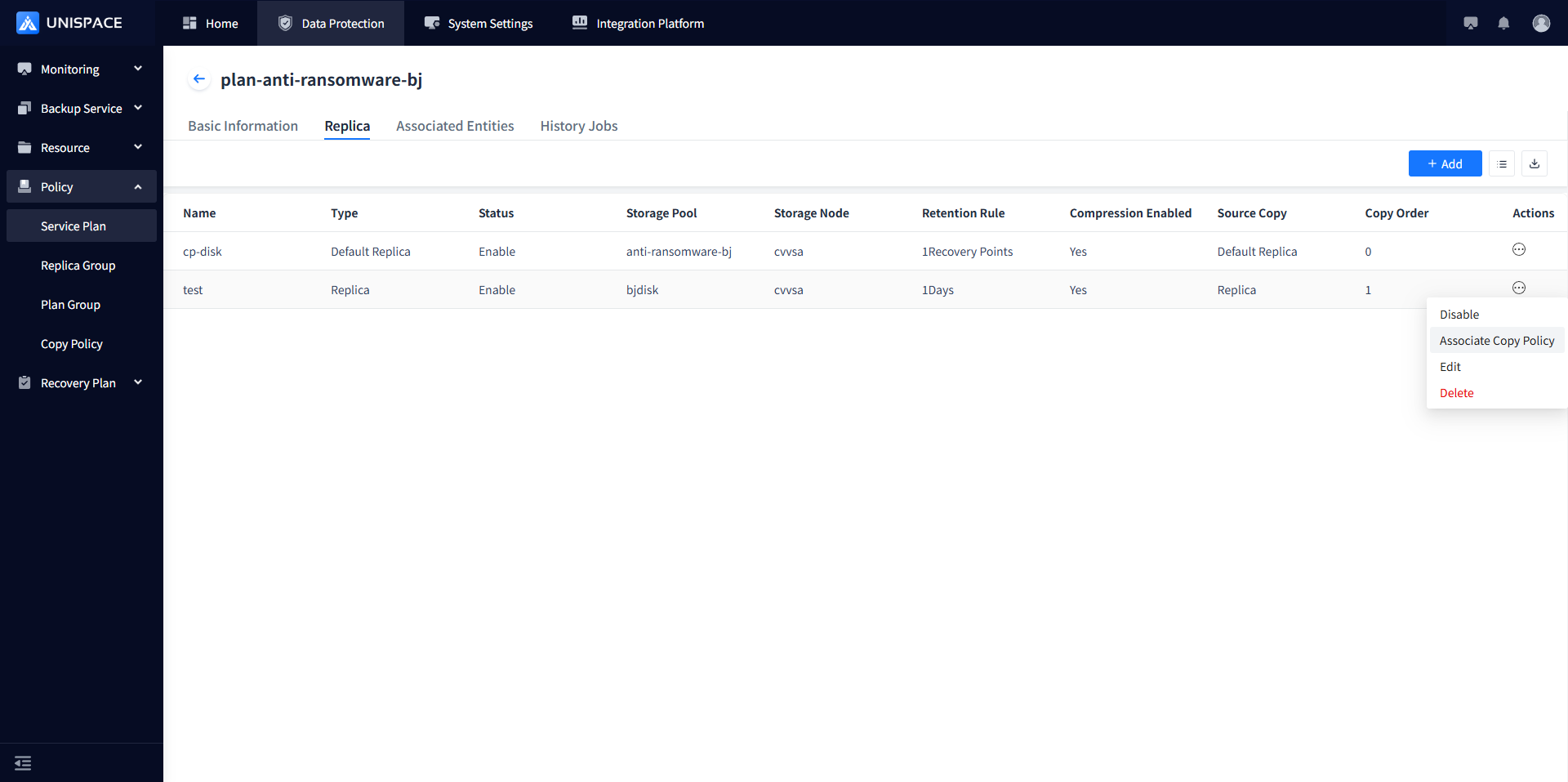
Step 3 Select the corresponding replication policy and click OK. A message will appear: "Copy policy associated successfully!"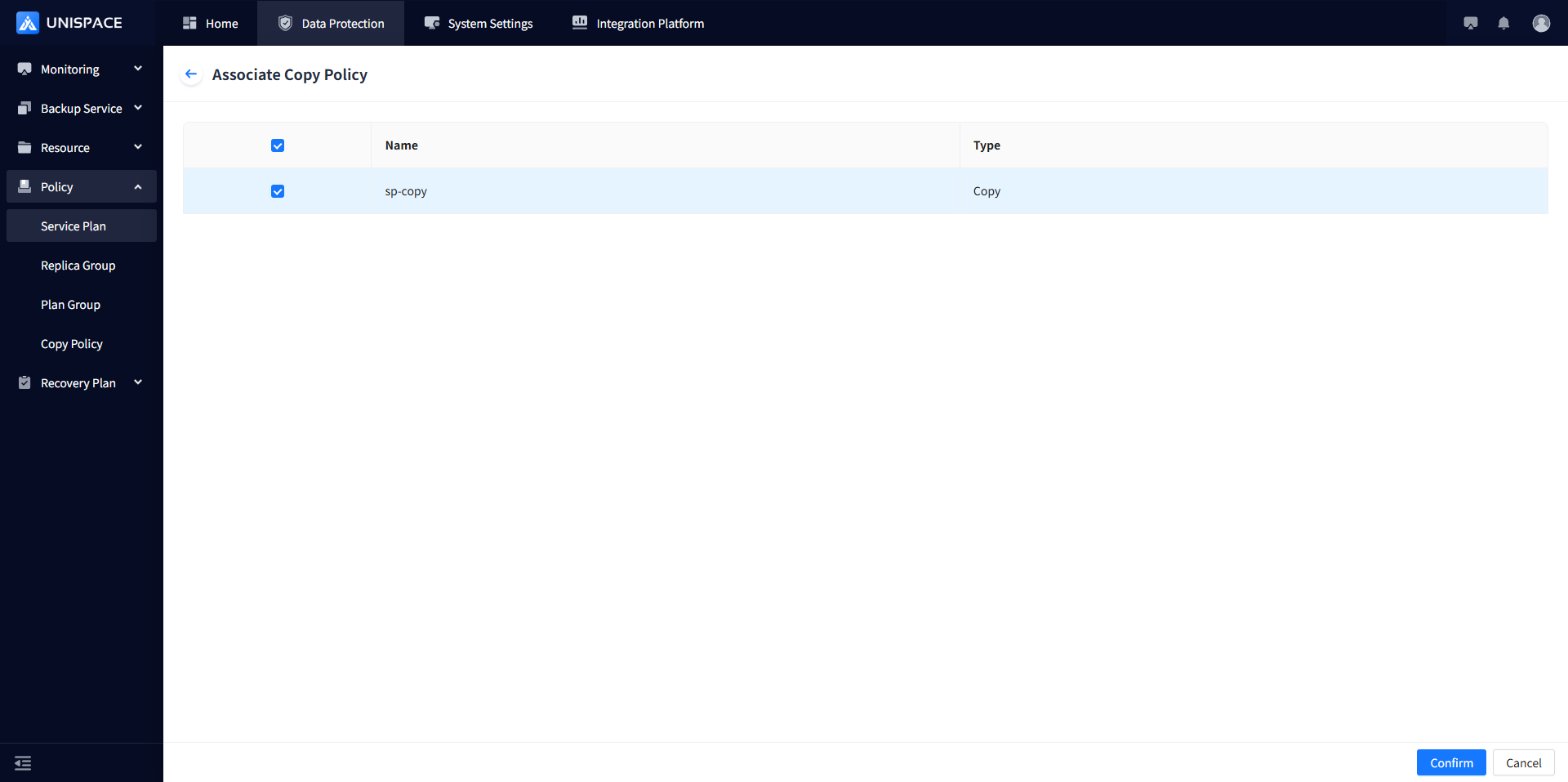
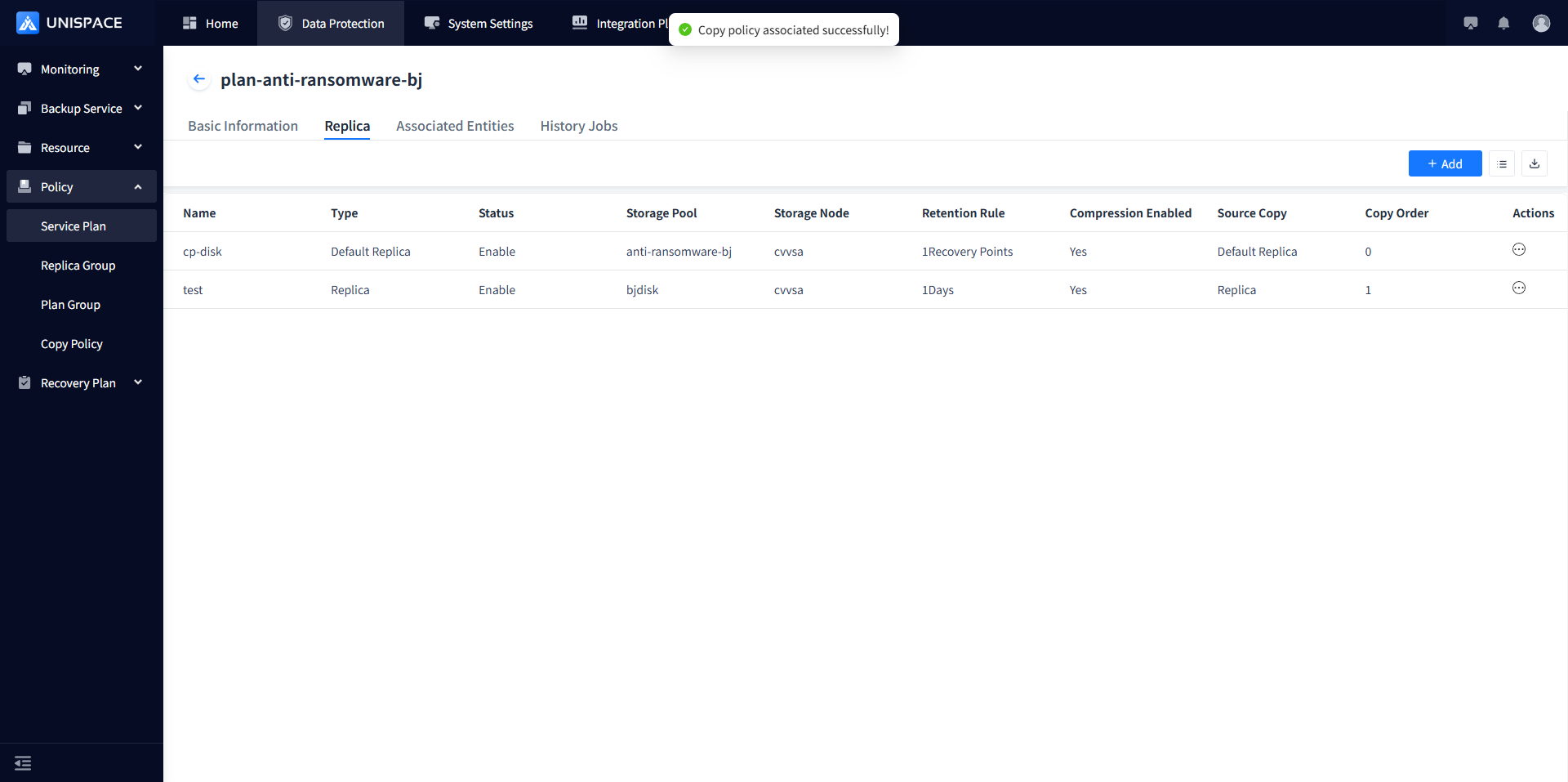
Step 4 The copy job will be triggered according to the RPO execution schedule configured in the replication policy.