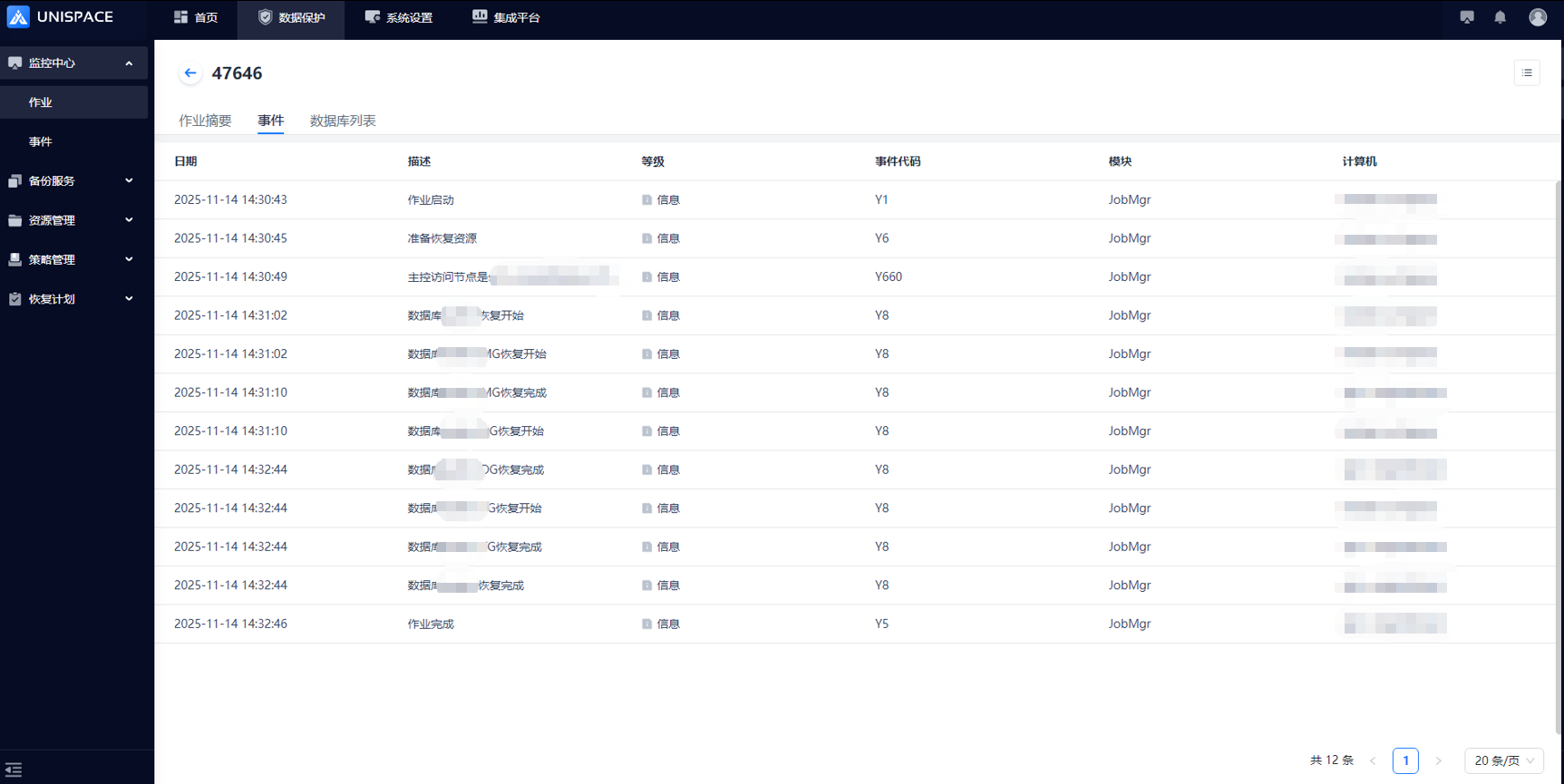
KingWow Database Recovery Exception
Updated:2025-11-21 14:00
KingWow Database Recovery Exception
Abnormal Status After KingWow Database Recovery
Problem description:
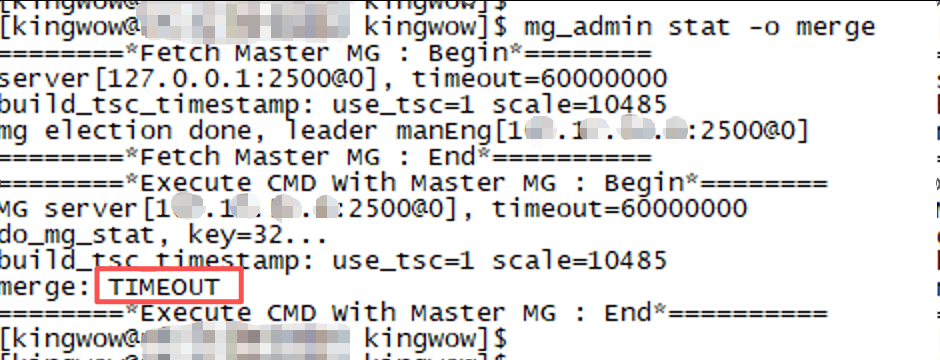
The KingWow database cannot be merged after the recovery is completed. The cluster status is abnormal, DDL statements cannot be executed, and the merge status display times out.
Scope of influence:
UniSpace 2.3.x/2.6.x/3.0.x/3.1.x
KingWow 3.x/5.x
Solution:
Complete the recovery by following the best-practice steps below
-
Check Restore the target node database and KingWow backup module status, and close the database
su - kingwow
ps ux
kill -9 982420 982467 982469 982544

2、 Clean the contents of the data directory. The directory path depends on the actual situation.
cd /home/kingwow/data
rm -rf 1/* 2/* 3/* 4/* 5/* 6/*
rm -rf mg/*
rm -rf mg_commitlog/*
rm -rf tg_commitlog/*
rm -rf tg_data/raid0/store0/*
rm -rf /home/kingwow/run/*
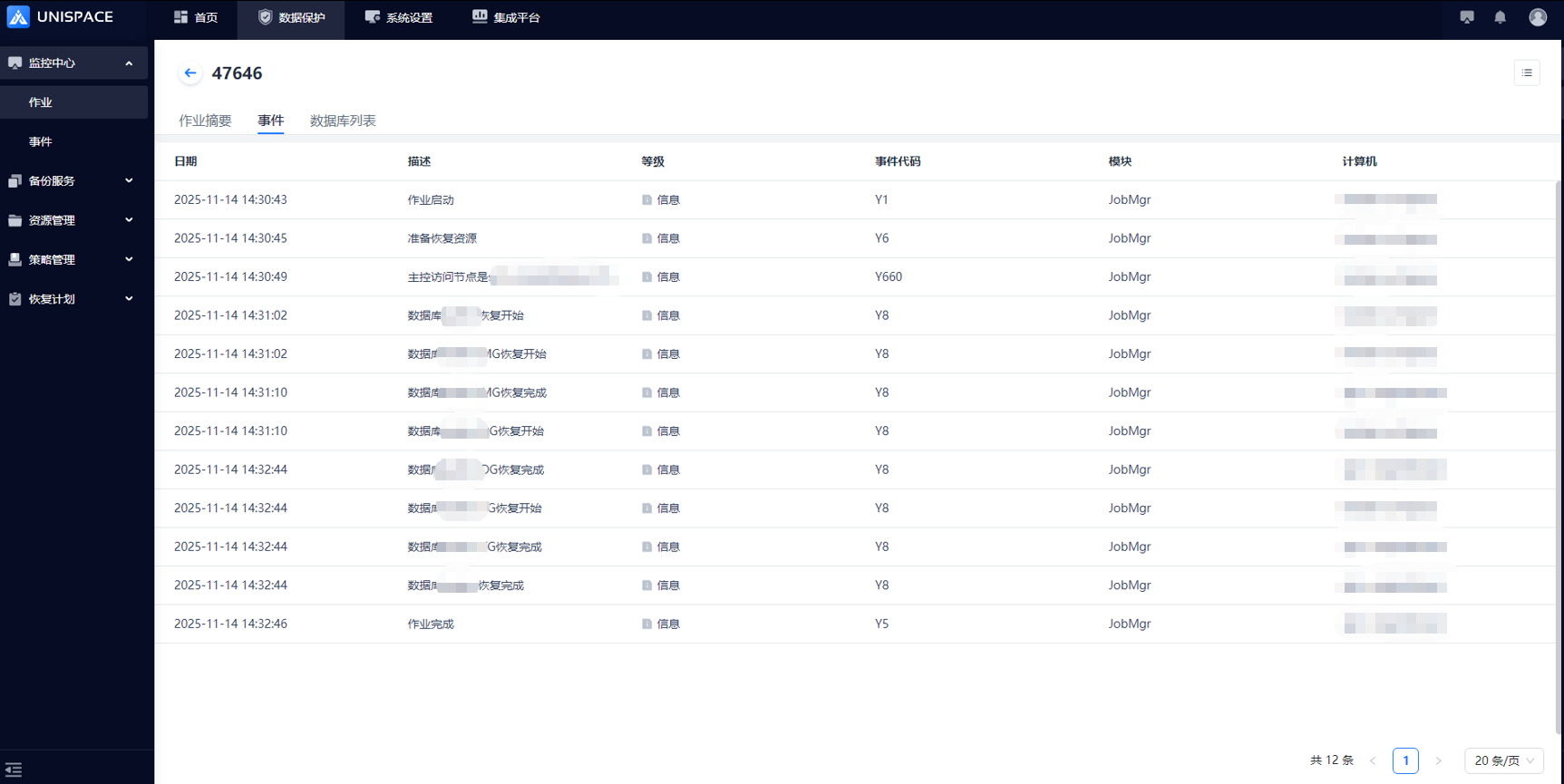
3. Use UniSpace software to restore. For detailed steps, please see the following link:
https://docs.yuanshuotech.com/docs/AgentKingwow#1.5Kingwow恢复
4. Modify the directory owner. Please note that it cannot be a file link, but a real path.
chown -R kingwow:kingwow /home/kingwow/data
chown -R kingwow:kingwow /xxx/dg_data
chown -R kingwow:kingwow /xxx/tg_commitlog
5. Manually call the KingWow module recovery interface
curl http://xx.xx.xx.xx:8088/recover/cutAllNodeIncrData?tgIps=xx.xx.xx.xx6. Start the database. Note that the startup commands are different in different versions of KingWow. The instance-name needs to be changed to the name of the recovery source instance.
bin/manEng -r xx.xx.xx.xx:2500 -R xx.xx.xx.xx:2500 -i enp3s0 -C 0 -U 1 -u 1 -K 1
bin/transEng -r xx.xx.xx.xx:2500 -p 2700 -m 2701 -i enp3s0 -C 0
bin/datEng -r xx.xx.xx.xx:2500 -p 2600 -n instance-name -i enp3s0 -C 0
bin/calEng -r xx.xx.xx.xx:2500 -p 2800 -z 2880 -i enp3s0 -C 0
7. Check the database status again. The merge can be completed and the SQL statement can be executed normally.