
Search...
Menu
Client Server Status
Download
Client Server Status
Supported in version 3.3 and later
Updated:2026-02-03 17:00
View Server Status
-
Select Server Status
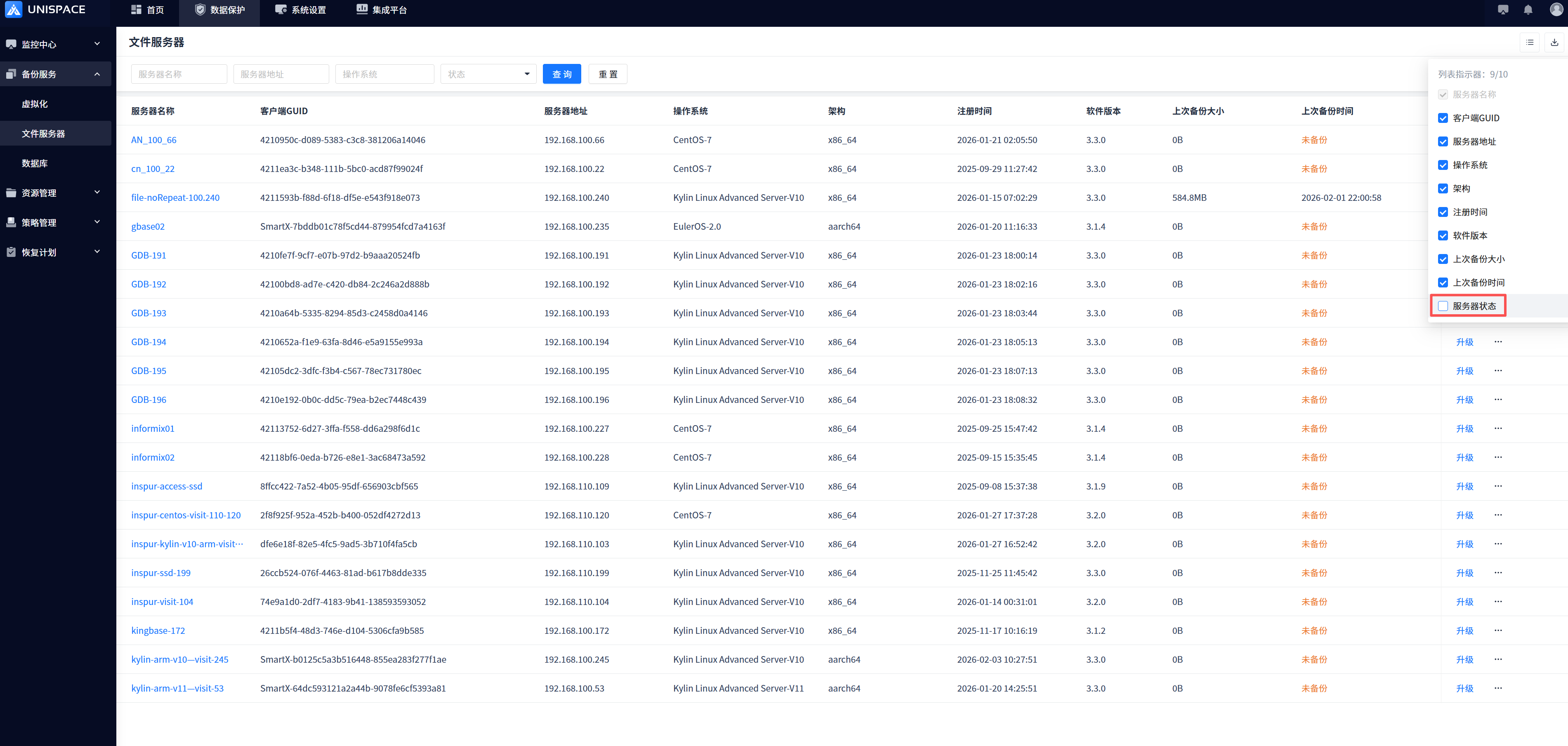
-
You can view the current server status. Offline means that the client server program has not started or started abnormally or the server is down and shut down. Online means that the client server is normal.
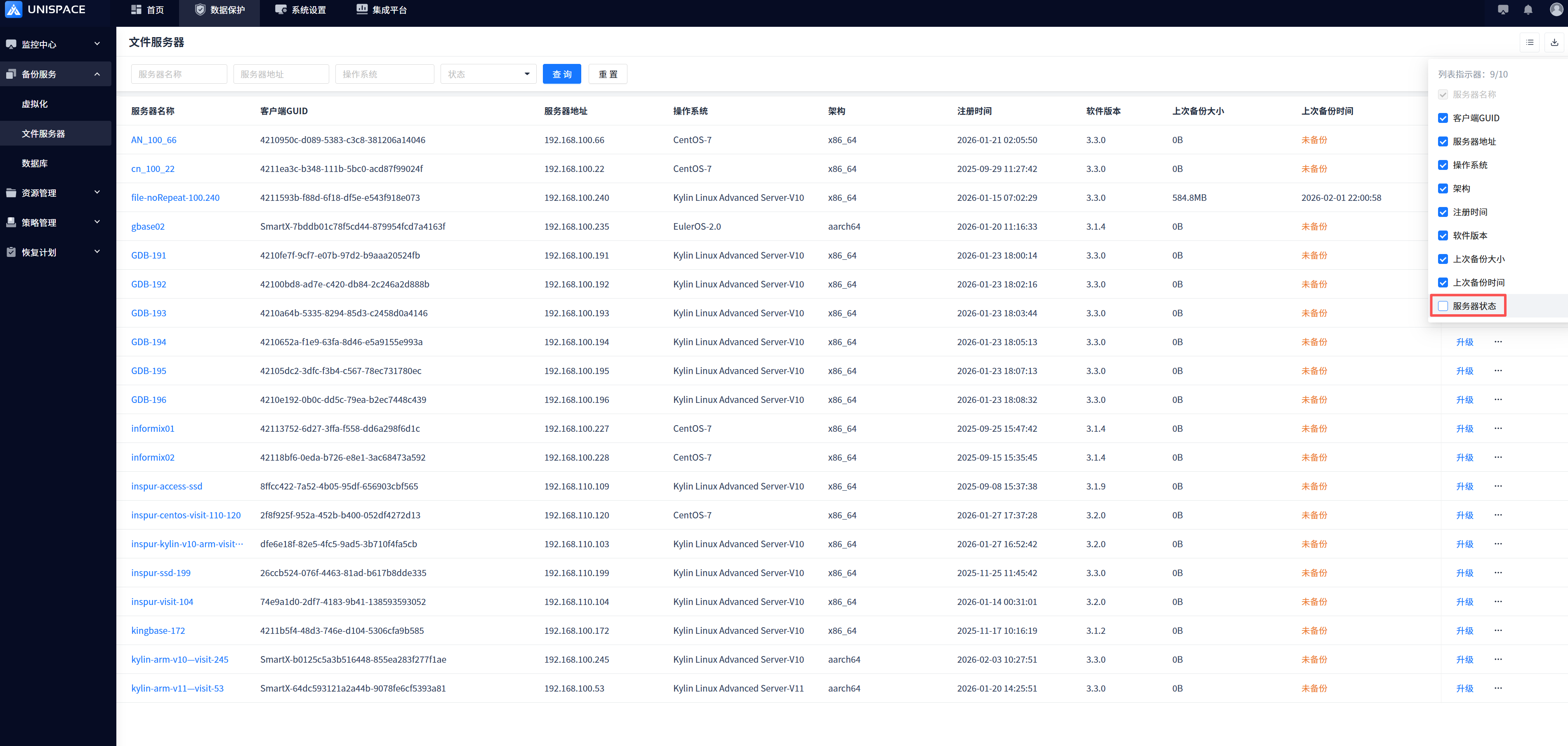
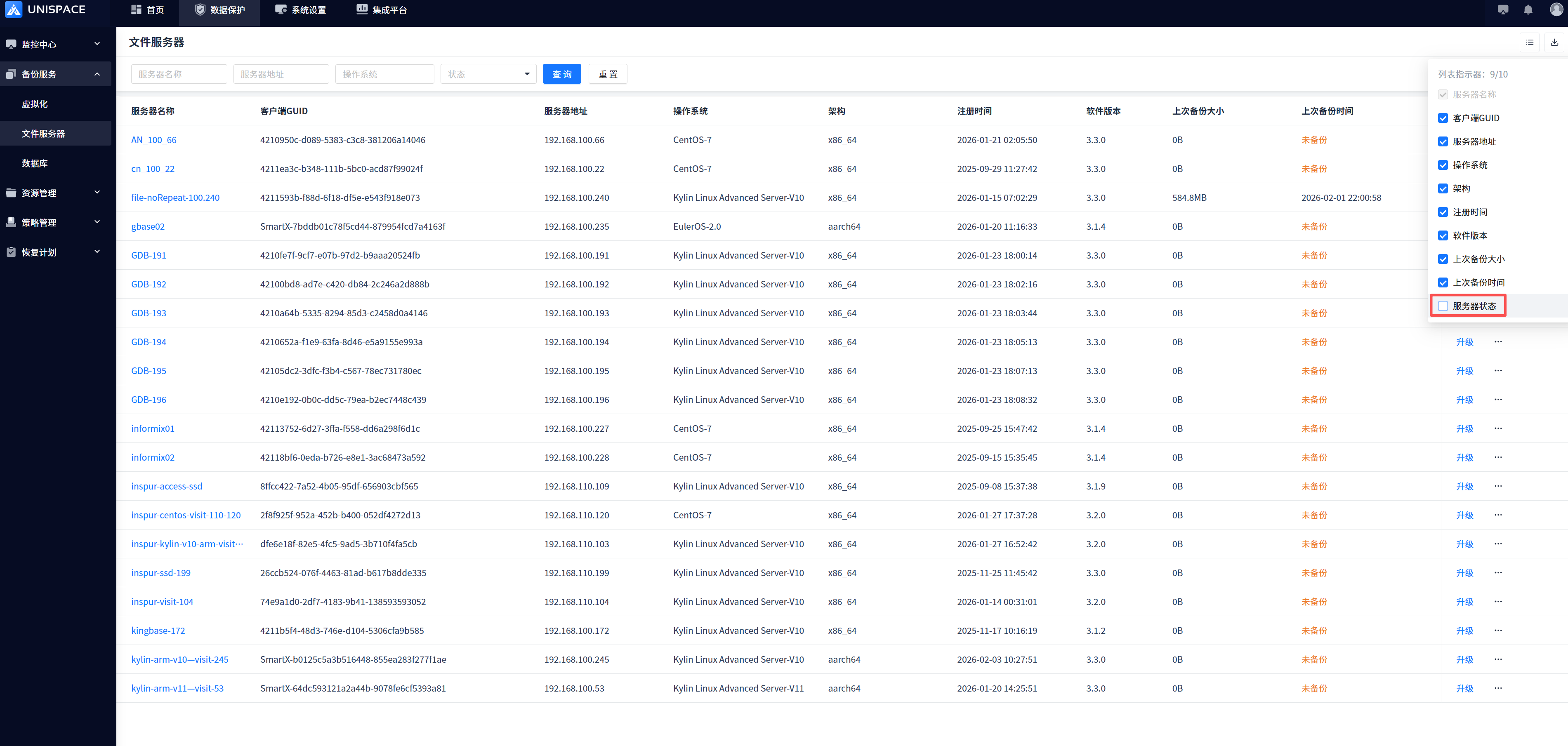
If a server is offline, you can use the following actions
- View Logs
- Readiness Check
- Restart Service
- Delete
- Note: 1. You can view the last exception information by viewing the log, and you do not need to log in to the client to view it; 2. The readiness check can be used to restore the online state after the server or process is restarted; 3. Some configurations of the client have been modified and the process can be restarted by restarting the service without logging in to the client server; 4. The exception is not online and the client is not intended to be used anymore and can be deleted from the list.
Previous
OpenStack Ceph Mode Backup Configuration Guide
Next
Best Practices for Migrating Historical Backup Data to UniSpace
Last modified: 2026-03-29