
Search...
Menu
Recovery Resource Groups
Download
Recovery Resource Groups
Recovery Resources
Prerequisites
- Client nodes have been registered.
Steps
Step 1: In the left navigation pane, go to Recovery Plan - Recovery Resources to enter the recovery resources page.
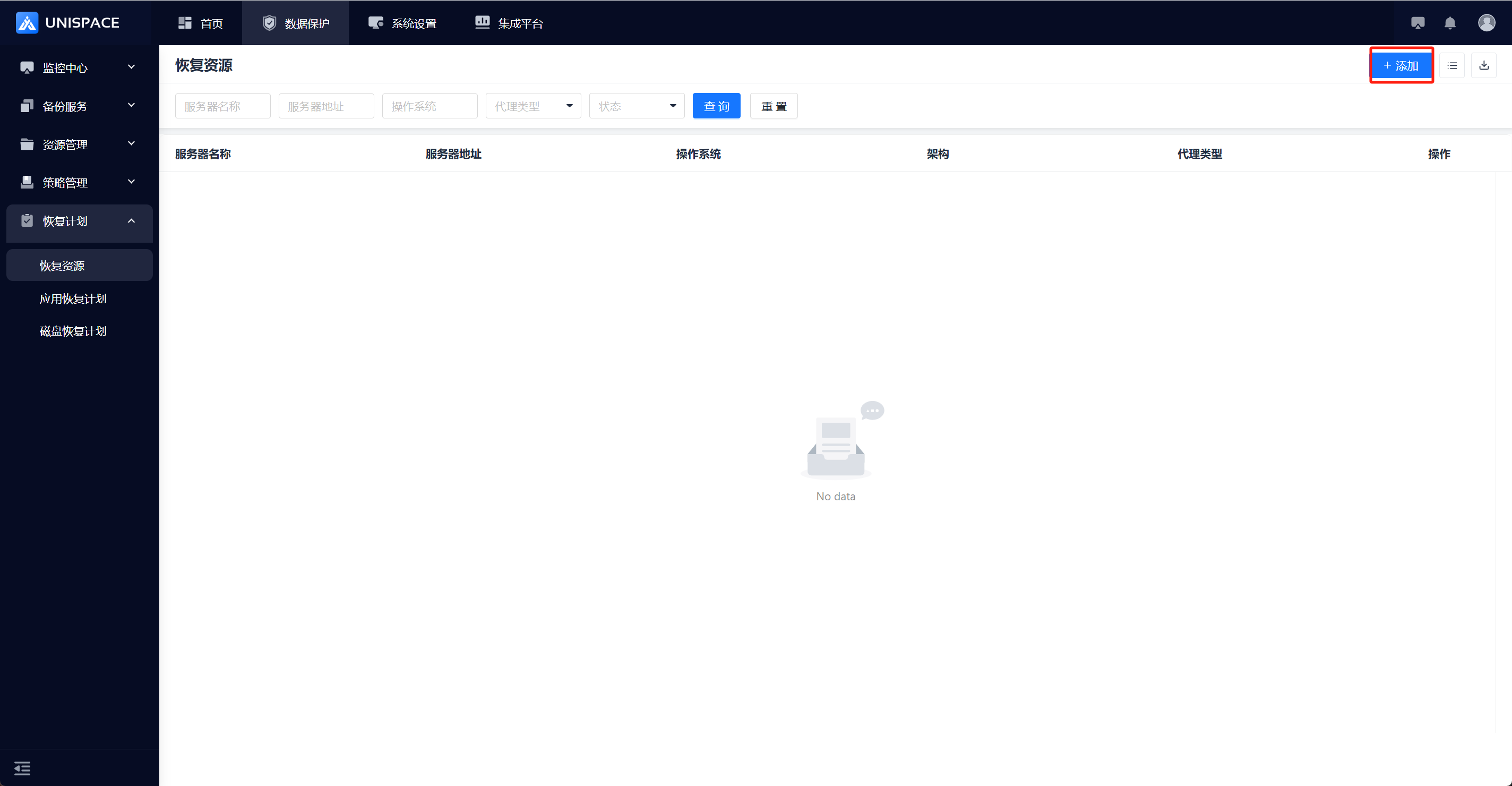
Step 2: Click the Add button in the upper right corner. A pop-up window will appear:
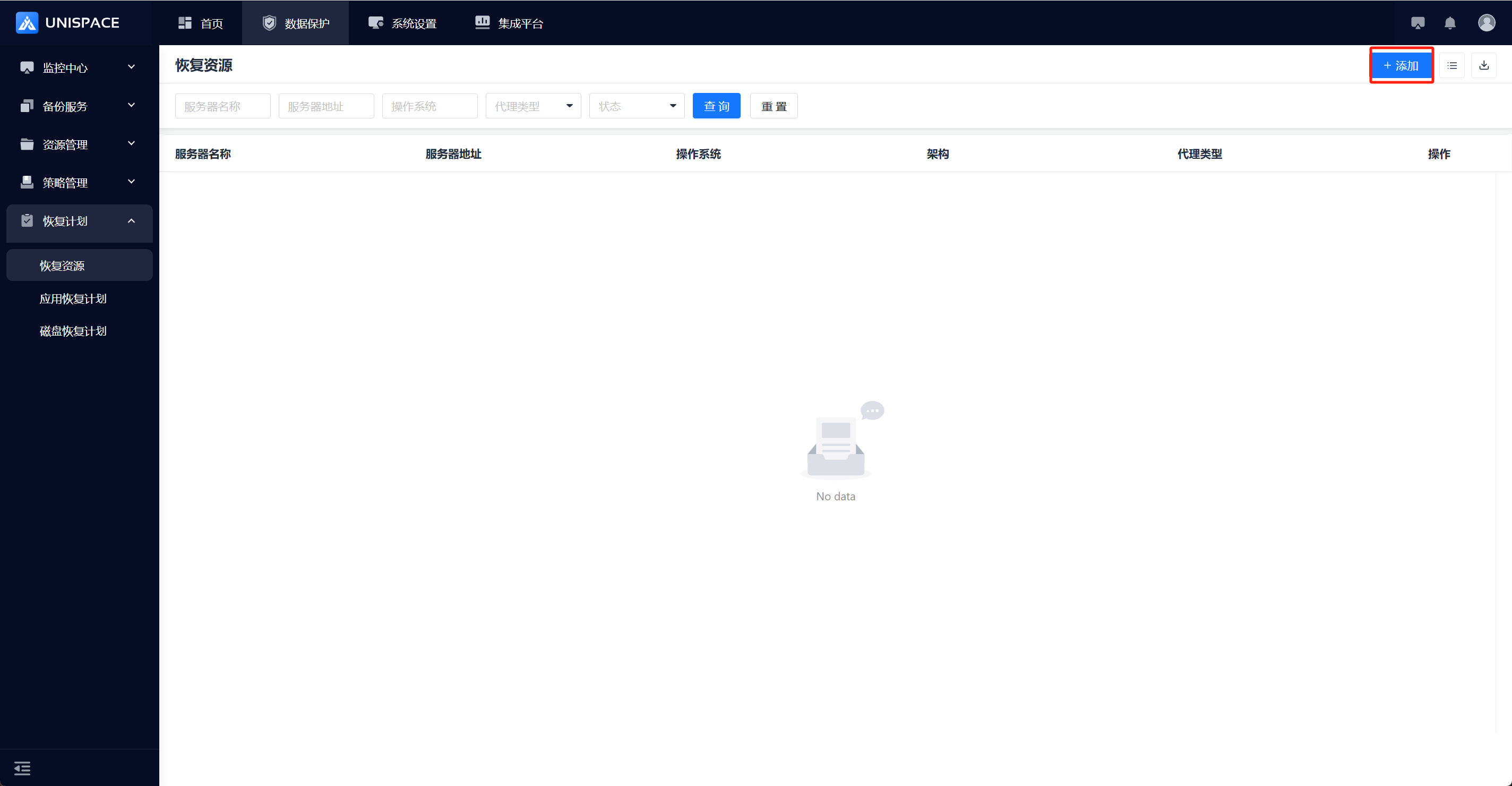
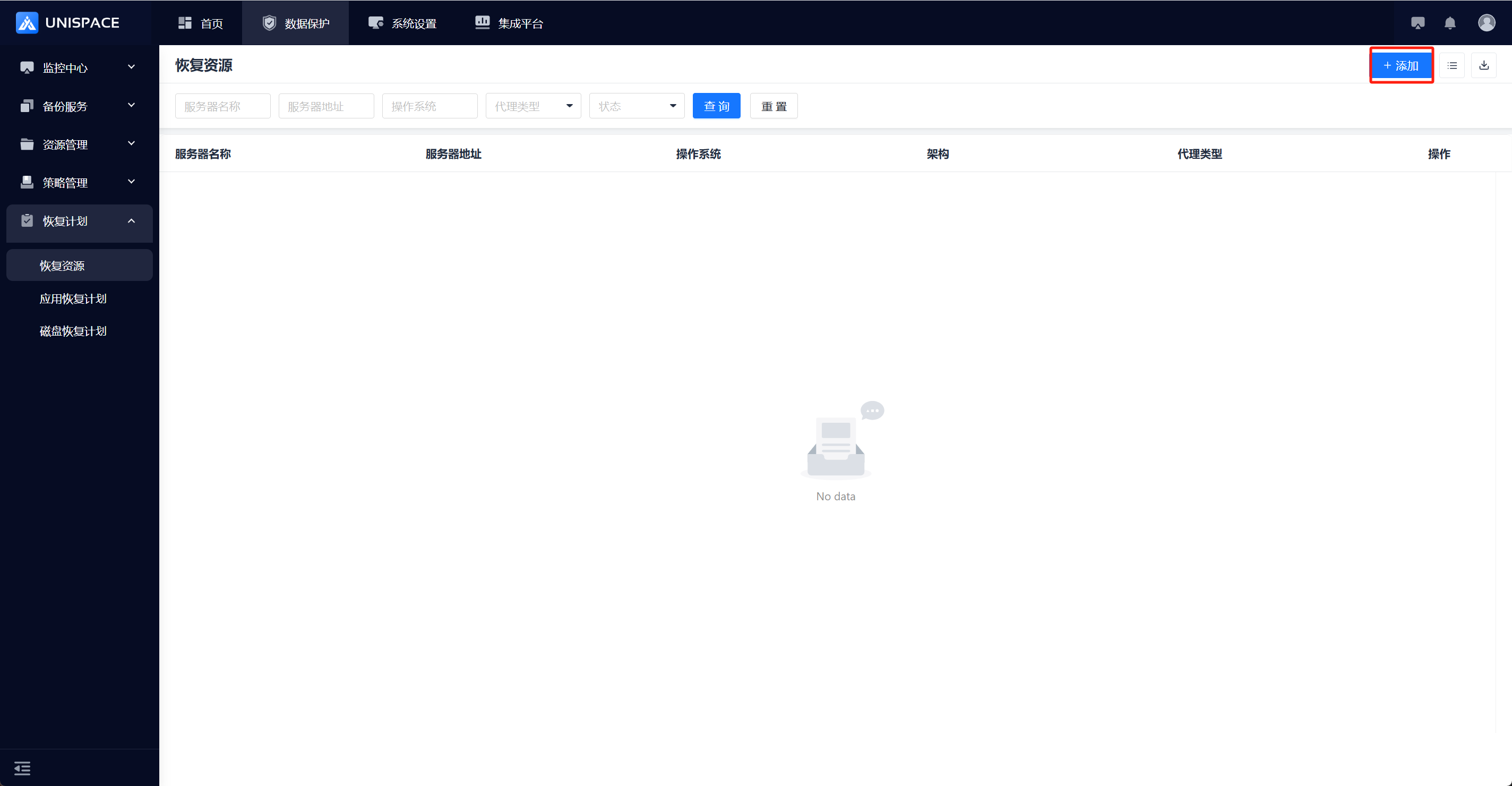
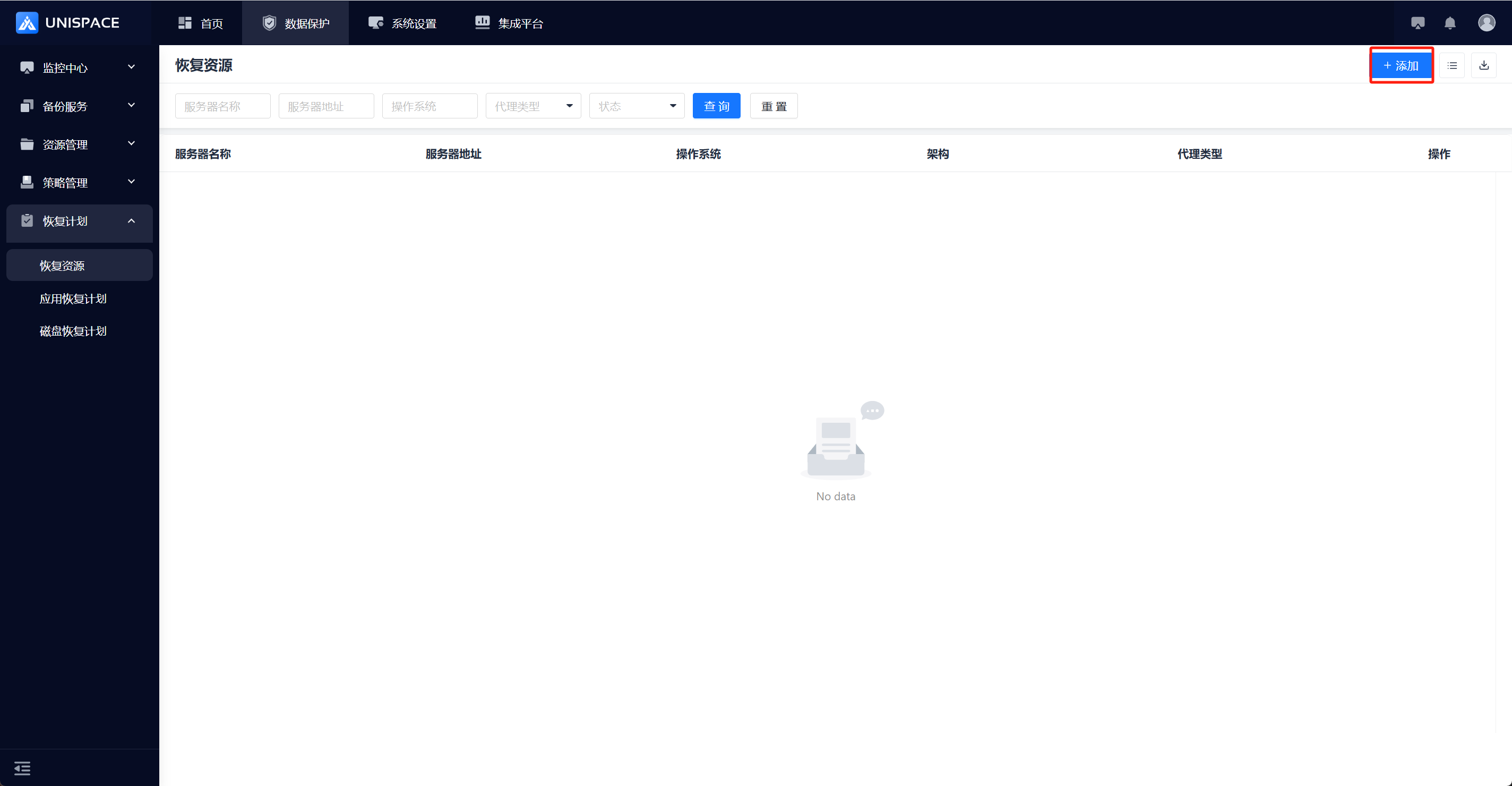
Step 3: Select one or more servers, then click OK. The addition is successful.
1.2 Delete Recovery Resources
Prerequisites
- Recovery resources have been added.
Steps
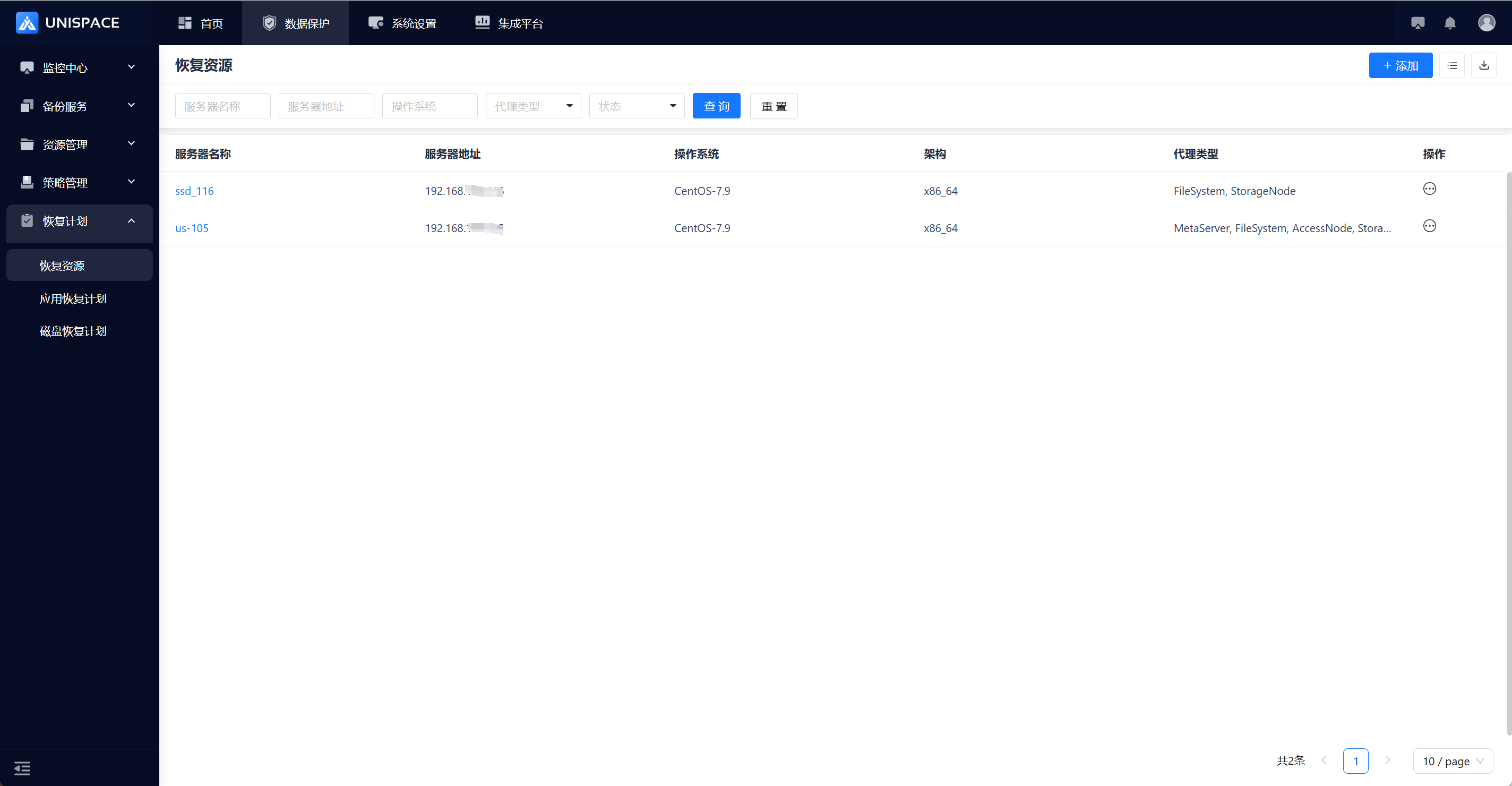
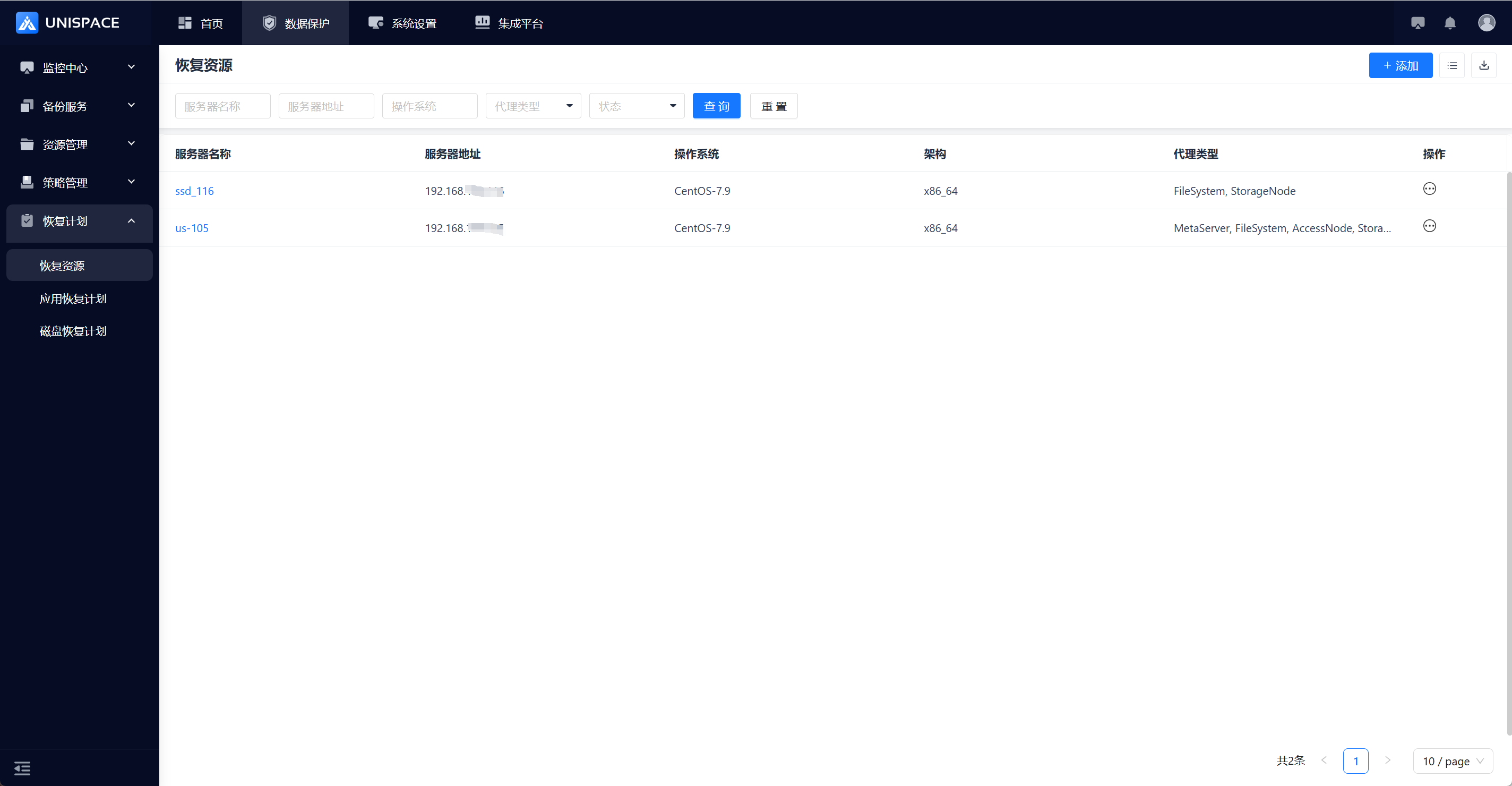
Step 1: In the left navigation pane, go to Recovery Plan - Recovery Resources to enter the recovery resources page.
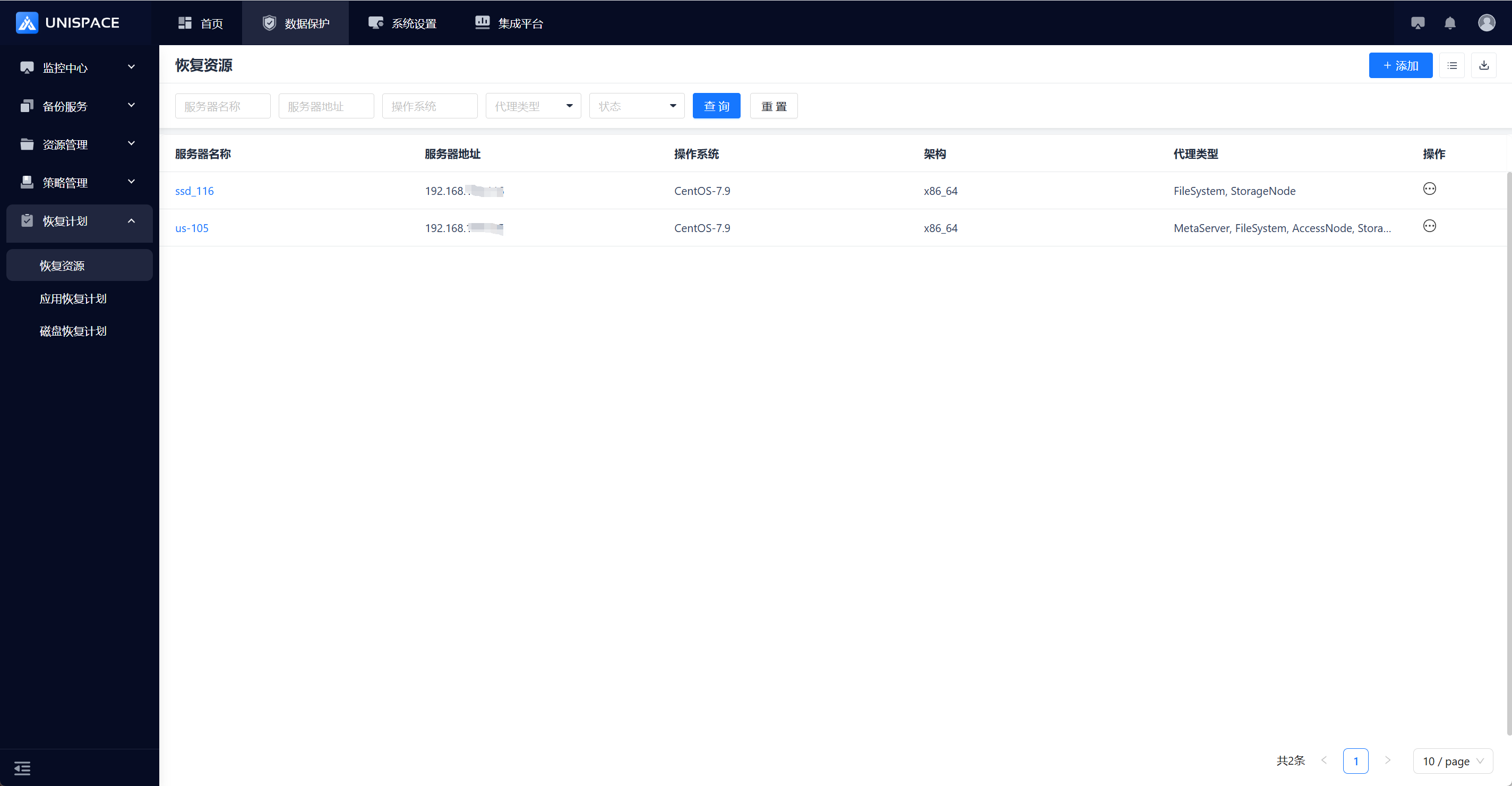
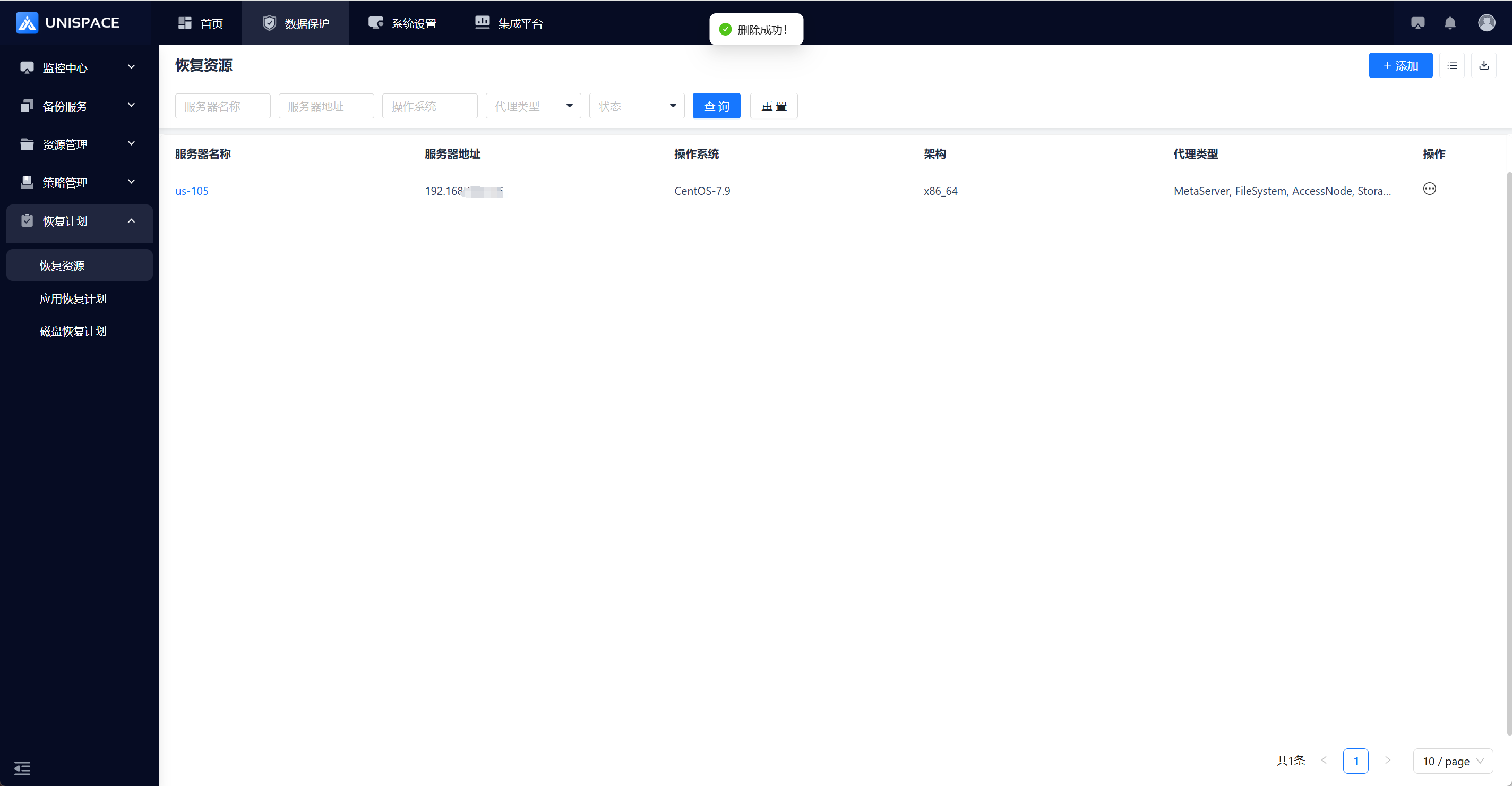
Step 2: Select the server to be deleted, click Actions - Delete, then click OK. The deletion is successful.
Previous
Recovery Plan
Next
Disk Recovery Plan
Last modified: 2026-03-29